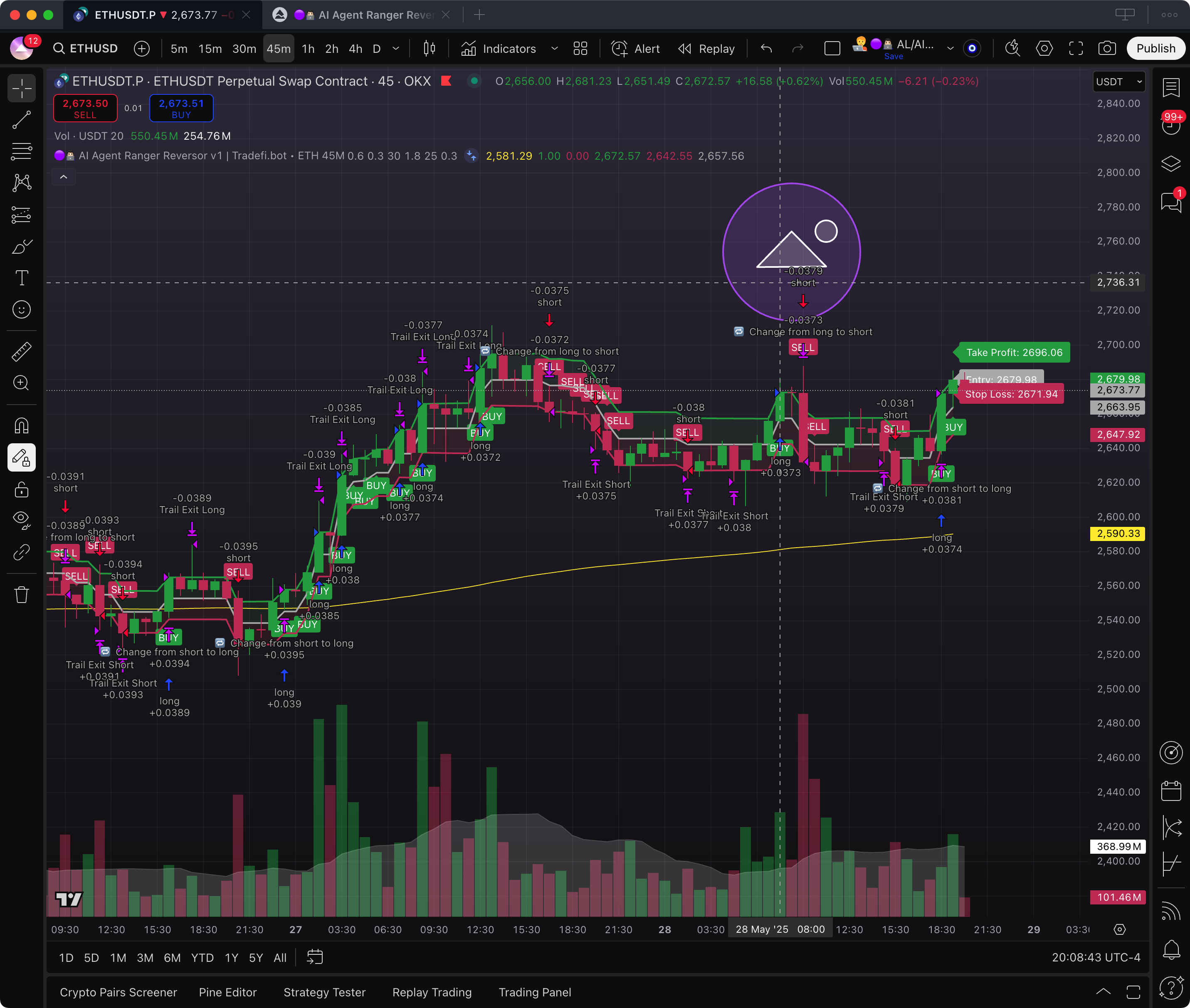
> For the complete documentation index, see [llms.txt](https://docs.tradefi.bot/whitepaper/llms.txt). Markdown versions of documentation pages are available by appending `.md` to page URLs; this page is available as [Markdown](https://docs.tradefi.bot/whitepaper/ai-trading-agents-bots/al-ai-agent-ranger-reversor-v1-or-tradefi.bot-eth-usdt-45m/vii.-invite-only-access-and-activation.md).
# VII. Invite-Only Access & Activation
{% hint style="warning" %}
The **AL/AI Agent Ranger Reversor v1** is not public.\
\
This strategy is part of a secure, token-gated infrastructure available only to **holders of $TDFI** or participants of the **Tradefi.bot Mini App on the TON blockchain via Telegram**.\
\
If you’re not connected, the script won’t even appear in your TradingView.\
\
This is **true private access**, powered by smart permissions and blockchain ownership.
{% endhint %}
***
### 🧠 What is "Invite-Only" on TradingView?
Invite-only scripts are private TradingView strategies:
* They do not appear in search results
* They cannot be accessed or applied unless your username is authorized
* They are protected by manual or automated approval systems
{% hint style="success" %}
Tradefi.bot uses this model to ensure the integrity of access via **wallet ownership.**
{% endhint %}
***
### 🛠️ How to Access This AI Agent (via indicators)
All access is managed through the **official Telegram Mini App**.\
No browser, no website — everything is on-chain and mobile-native.
***
#### ✅ Step 1 – Eligible Wallet Holders Only
To unlock the agent, you must meet **at least ONE** of the following:
* ✅ Hold $TDFI in your **TON-compatible wallet**\

* `⏰ Have purchased $TDFI in the`` `**`BNB Chain presale`**` ``and connect your BNB wallet to the Mini App.`
* `⏰ Hold BOLTs on the`` `**`Solana blockchain`**`, also connected to the Mini App`
> 📌 All wallets must be connected and verified through the Telegram Mini App to proceed.
***
#### ✅ Step 2 – Launch the Telegram Mini App
Inside the app:
1. Connect your wallet (✅TON / `⏰`BNB Chain / `⏰`Solana)\

2. Submit your **TradingView username**\
\

3. Browse the list of available AL/AI Agents or Indicators
4. Select **Ranger Reversor v1**
***
#### ✅ Step 3 – Automatic Authorization
Once verified, access is granted immediately:
* The script appears under **Invite-Only Scripts** in your TradingView account
*
```
```
* You can then apply it to any ETH/USDT chart on the 45M timeframe
> 🔓 Access is instantaneous — no manual delays, no extra steps.
***
### ❌ What If You Don’t Have Access?
If the agent does not appear in your **Invite-Only Scripts**:
1. ✅ Double-check that you entered your **correct TradingView username** in the Mini App
2. 🔁 Log out and back into your **TradingView account**
3. 🔄 Fully close and relaunch the **TradingView app or browser tab**
4. 🛠 If the issue persists, contact **Tradefi.bot Support** directly via the telegram community.
***
### 🔒 Why This Method?
This multi-chain invite-only system guarantees:
* Token-gated access by real ownership
* Full control over who can activate AI Agents
* Seamless onboarding via Telegram
* Secure delivery of private indicators without leaks
***