> For the complete documentation index, see [llms.txt](https://docs.tradefi.bot/whitepaper/llms.txt). Markdown versions of documentation pages are available by appending `.md` to page URLs; this page is available as [Markdown](https://docs.tradefi.bot/whitepaper/ai-tradingview-indicators/clear-buy-and-sell-signals-for-any-asset-and-market.md).
# Clear Buy and Sell Signals for Any Asset and Market
Simplifying Trading with AI-Powered Indicators
Tradefi.bot's AI-powered TradingView indicators are designed to provide traders with clear and actionable signals, making trading more accessible and efficient for users of all experience levels. Here's an overview of how these indicators work and their key benefits:
Holders of $TDFI gain access to three AI-powered TradingView indicators that work for any market and any timeframe. **By holding a minimum of $50 worth of $TDFI, you can unlock these indicators, receive bi-weekly USDT dividends, and join our VIP community on Telegram.**
***
## **Clear ****Buy**** and ****Sell**** Signals**
### **Automated Alerts:**
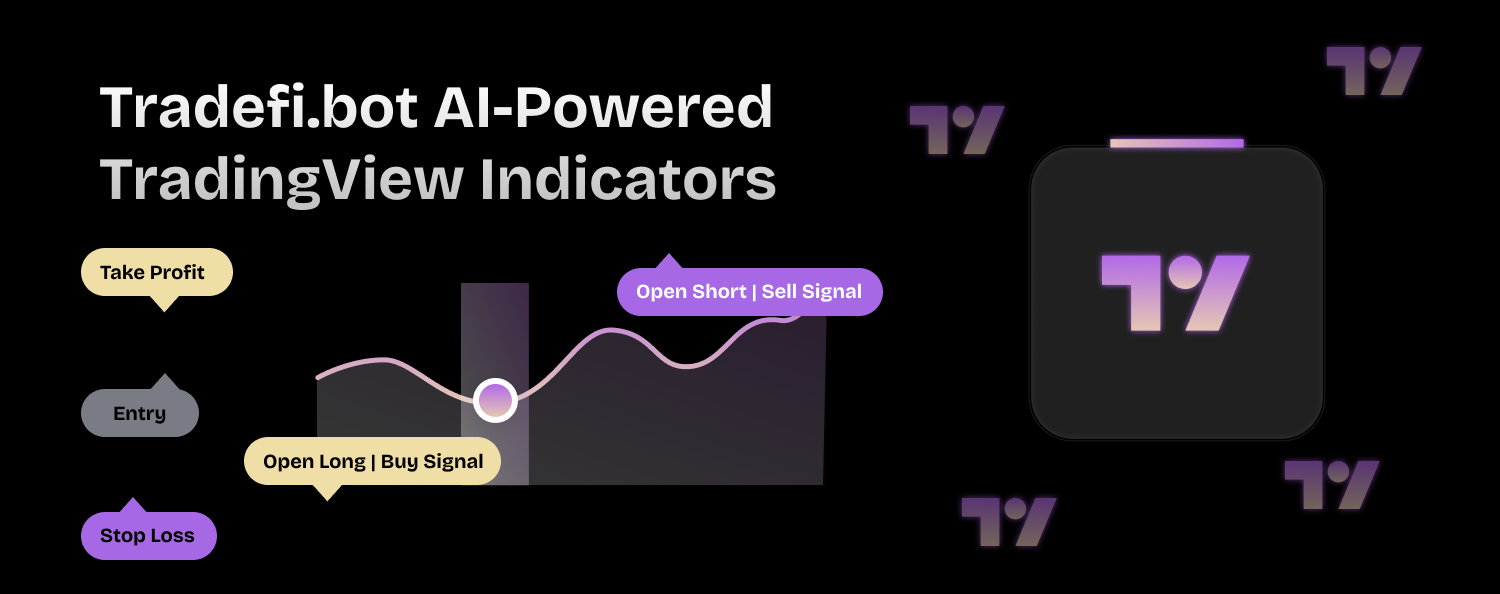
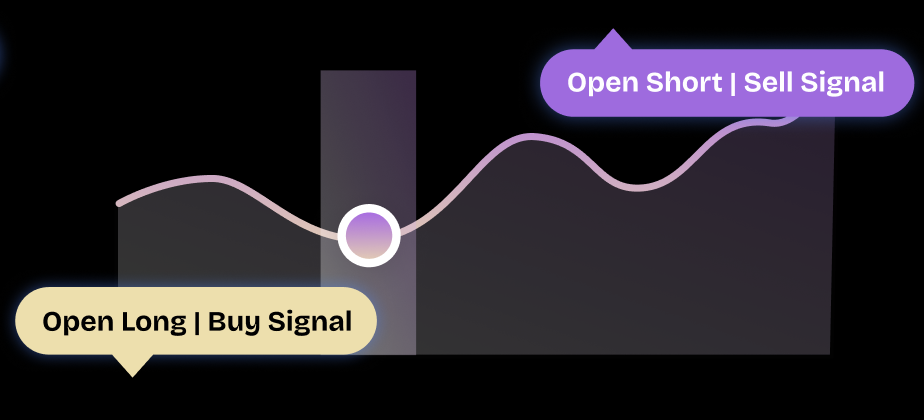
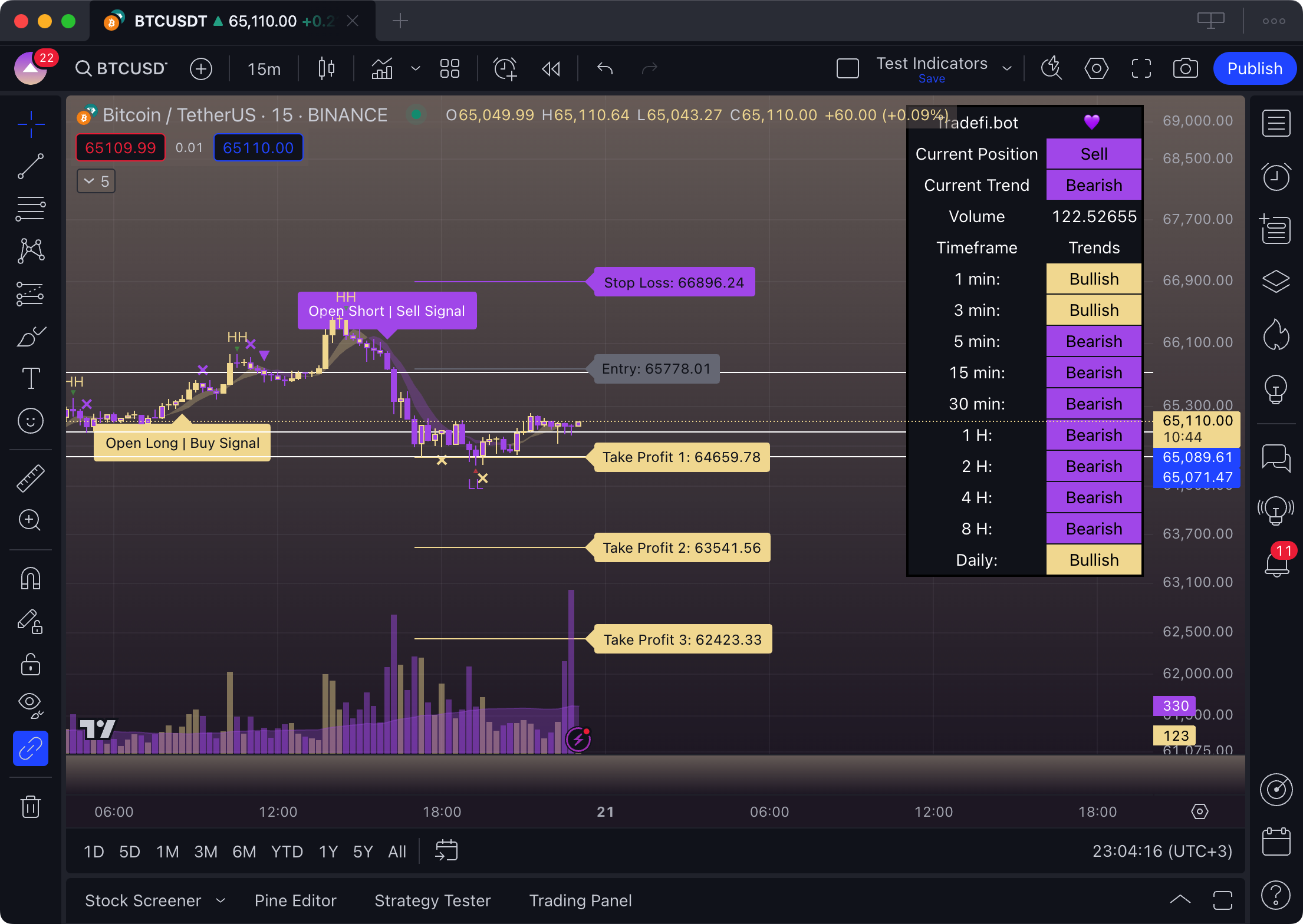
* **Buy and Sell Signals:** The indicators automatically generate buy (yellow) and sell (purple) signals, allowing traders to act quickly and confidently in the market.
* **Real-Time Notifications:** Receive instant alerts when a signal is generated, ensuring you never miss an opportunity.
### **Visual Simplicity:**
* **Color-Coded Signals:** Yellow signals indicate bullish trends, while purple signals indicate bearish trends. This straightforward color-coding helps traders easily interpret market conditions at a glance.
***
## **User-Friendly for All Experience Levels**
### **Ease of Use:**
* **Simple Setup:** The indicators are designed to be easy to use, with a straightforward setup process that requires no advanced technical knowledge.
* **Intuitive Interface:** The user-friendly interface makes it easy for traders of all experience levels to navigate and utilize the indicators effectively.
### **Educational Support:**
* **Guides and Tutorials:** Access comprehensive guides and tutorials that explain how to use the indicators and interpret the signals, ensuring you get the most out of the tools.
***
## **Integrated Risk Management**
### **Automated Risk Controls:**
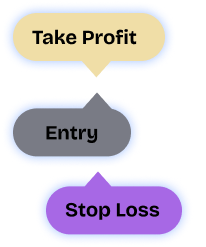
* **Stop Loss and Take Profit:** The indicators come with built-in risk management features, such as stop loss and take profit levels, to help protect your investments.
* **Customizable Settings:** Adjust risk parameters to suit your trading strategy and risk tolerance, ensuring personalized and effective risk management.
### **Consistent Performance:**
* **Backtested Strategies:** Each indicator's strategy has been rigorously backtested to ensure reliability and effectiveness across different market conditions.
***
## **Alerts and Notifications**
### **Stay Informed:**
* **Instant Alerts:** Set up real-time alerts for buy and sell signals, delivered directly to your TradingView account or mobile device.
* **Customizable Notifications:** Customize alert settings to fit your trading schedule and preferences, ensuring you stay informed about market movements.
### **Timely Action:**
* **Fast Response:** Receive alerts as soon as signals are generated, allowing you to take timely action and capitalize on trading opportunities.
***
## **Comprehensive Market Insights**
### **Holistic Analysis:**
* **Trend Detection:** Identify market trends early with advanced algorithms designed to spot potential reversals and trend continuations.
* **Market Insights:** Gain a deeper understanding of market dynamics with indicators that analyze multiple data points and provide a holistic view of market conditions.
### **Emotional Control:**
* **Objective Trading:** Automated signals and risk management help mitigate emotional and psychological biases, promoting disciplined and objective trading practices.
***
## Why Choose Tradefi.bot Indicators?
* **Actionable Signals:** Receive clear buy and sell signals to guide your trading decisions.
* **Easy to Use:** Designed for traders of all experience levels with intuitive setup and usage.
* **Integrated Risk Management:** Built-in risk controls to protect your investments.
* **Real-Time Alerts:** Stay informed with instant notifications and customizable alerts.
* **Comprehensive Insights:** Advanced market analysis to enhance your trading strategies.
By using Tradefi.bot's AI-powered TradingView indicators, you can simplify your trading process, enhance your decision-making, and achieve more consistent trading results. Whether you're a beginner or an experienced trader, these indicators provide the tools you need to succeed in any market.