> For the complete documentation index, see [llms.txt](https://docs.tradefi.bot/whitepaper/llms.txt). Markdown versions of documentation pages are available by appending `.md` to page URLs; this page is available as [Markdown](https://docs.tradefi.bot/whitepaper/ai-tradingview-indicators/reversal-zones-or-ai-powered-tradingview-indicator/indicator-components.md).
# Indicator Components
What It's About: Explanation of the Tradefi.bot Indicator and Its Components
{% hint style="success" %}
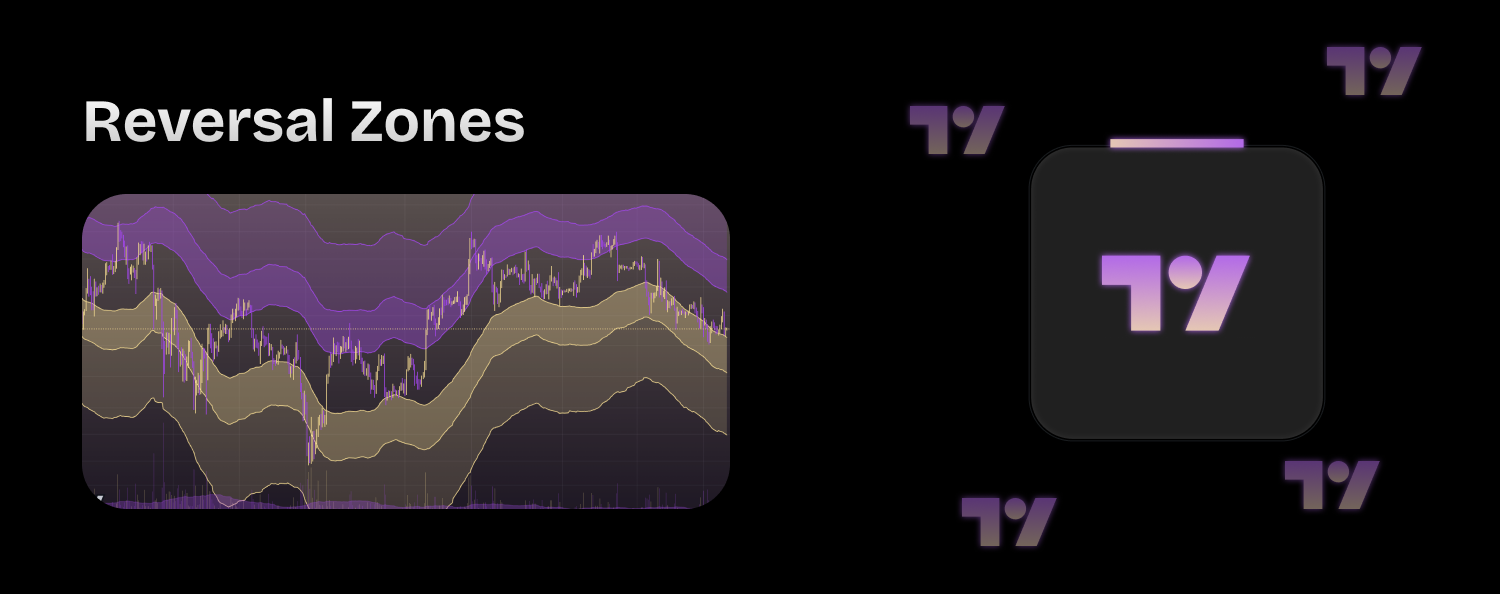
The "Tradefi.bot | Reversal Zones" indicator is a sophisticated tool designed for the TradingView platform, used by traders to identify potential price reversal zones in financial markets. This indicator combines multiple analytical techniques to offer a detailed and deep perspective on price action, allowing users to anticipate significant movements and manage their trades more effectively.
{% endhint %}
## Indicator Components
1. **Selection of Moving Average Type**:
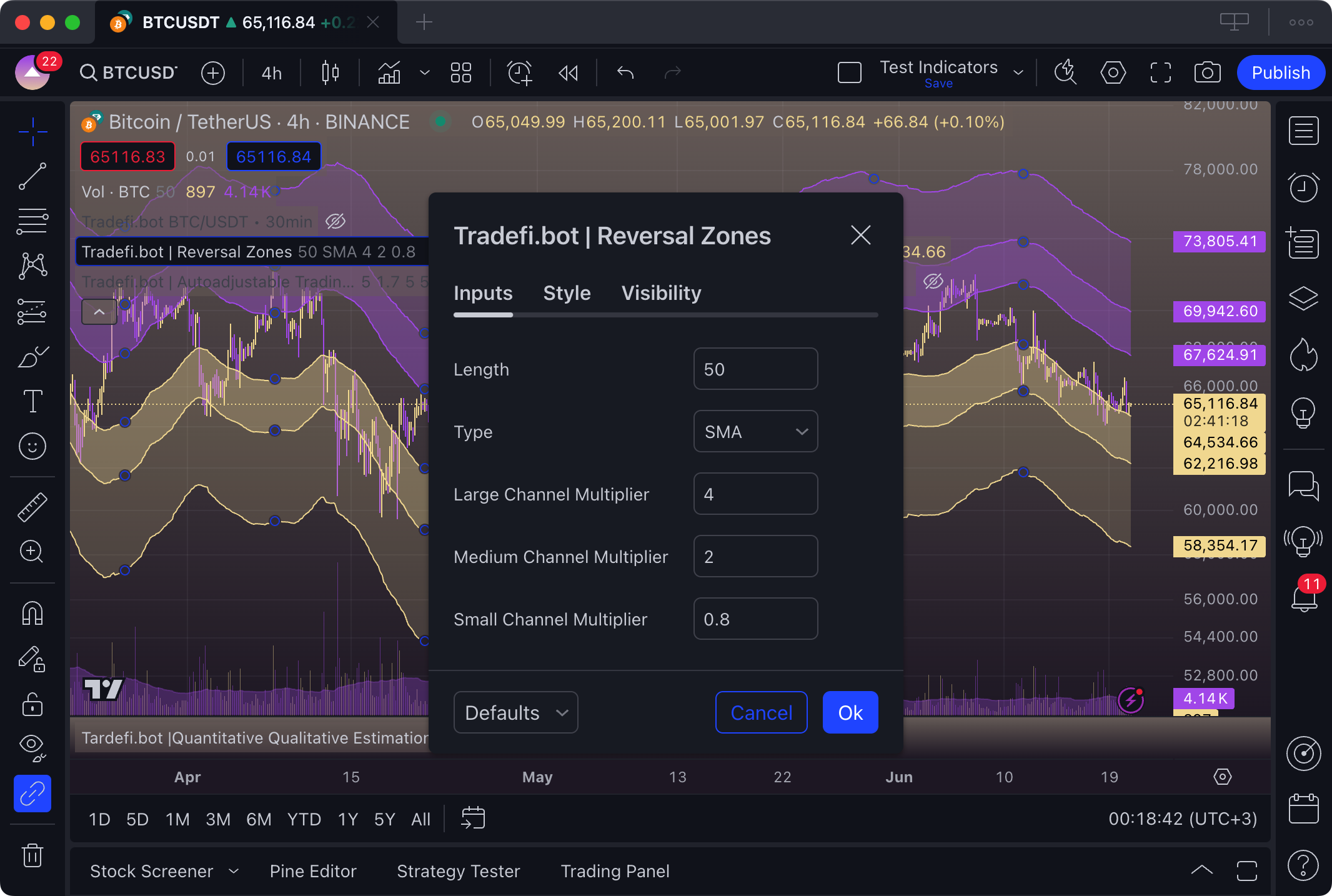
* **Function**: Users can choose between three types of moving averages: Simple (SMA), Exponential (EMA), and Hull (HMA).
* **Purpose**: Each type of moving average offers different sensitivities to price changes, allowing the trader to adapt the indicator to their analysis style. SMA provides a more generalized view, EMA reacts more quickly to recent changes, and HMA provides a highly smoothed and responsive average.
2. **Volatility-Based Envelope Channels**:
* **Function**: Utilizes the Average True Range (ATR) to establish three levels of channels (large, medium, small) around the selected moving average.
* **Purpose**: These channels help visualize zones where the price may be stretching too far from its average, indicating possible reversal points. Using ATR allows the channels to dynamically adjust to market volatility, improving the accuracy of identified zones.
3. **Adjustable Channel Multipliers**:
* **Function**: Allows the user to configure the width of reversal channels using adjustable multipliers.
* **Purpose**: By adjusting these multipliers, the trader can control the indicator's sensitivity to price fluctuations, adapting it to different market conditions or their own risk tolerance.
4. **Automatic Parameter Adjustment Based on Timeframe**:
* **Function**: The indicator automatically adjusts channel multipliers based on the chart's timeframe, using a specific adjustment factor for daily charts and another for intraday timeframes.
* **Purpose**: This adjustment ensures the indicator is relevant and effective across multiple timeframes, providing useful signals for both long-term traders and those operating intraday.
5. **Graphical Visualization**:
* **Function**: Plots reversal channels and the areas between them with varying degrees of transparency and color.
* **Purpose**: Clear visualization of reversal zones helps traders quickly identify critical support and resistance areas and make trading decisions based on clearly defined zones of potential price reversal.
> "Tradefi.bot | Reversal Zones" is more than just a simple indicator; it is a comprehensive solution that integrates advanced technical analysis with intuitive visualization to enhance trading decision-making. By combining moving average analysis with volatility assessment, this indicator provides traders with a powerful tool to capture and act on market dynamics with confidence and precision.